Sales: +91 9600 70 3224
- Support


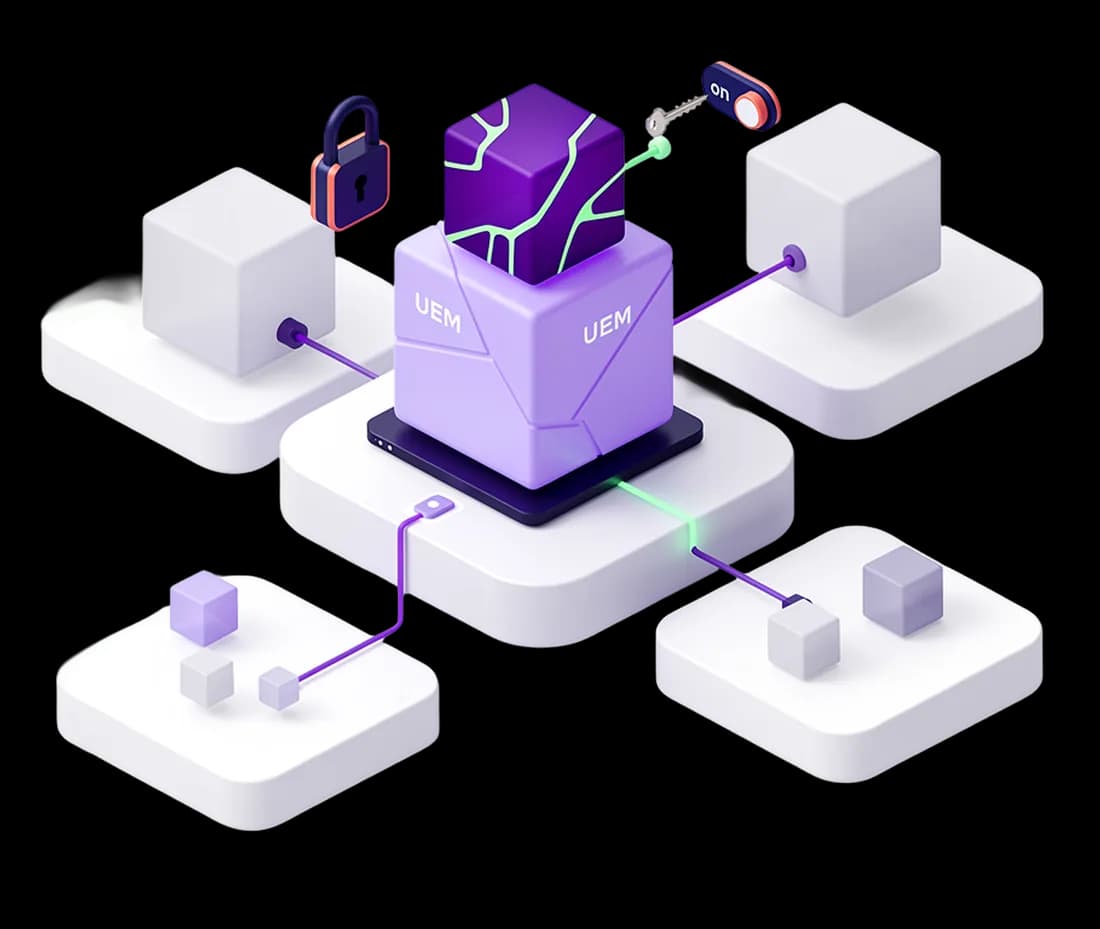
One console, one agent, and a full picture of every machine you run.
Akku UEM manages the computers and servers your business runs on from one console, through a single agent on each machine. Every device reports what it is and what is installed on it. Patches and software go out on your schedule, in stages, with safeguards that stop a bad deployment before it reaches the fleet. Security baselines are enforced and drift is visible. Software that should not be there is removed, and software that should not run is blocked.
Unified endpoint management is the practice of managing the computers people work on, desktops, laptops and servers, from one console rather than machine by machine. It covers knowing what you have, keeping it patched, holding it to a security baseline, controlling what software runs on it, and acting on it remotely when something goes wrong. The word unified refers to doing all of that for every operating system in the estate from the same place, rather than running one tool for Windows and another for Macs.
Akku does it through a cloud console and one agent per device. The agent reports what the machine is and what is installed on it, installs patches and software with integrity verification, applies hardening policies that can be reverted, and carries out remote actions when a device is lost or the person using it leaves.
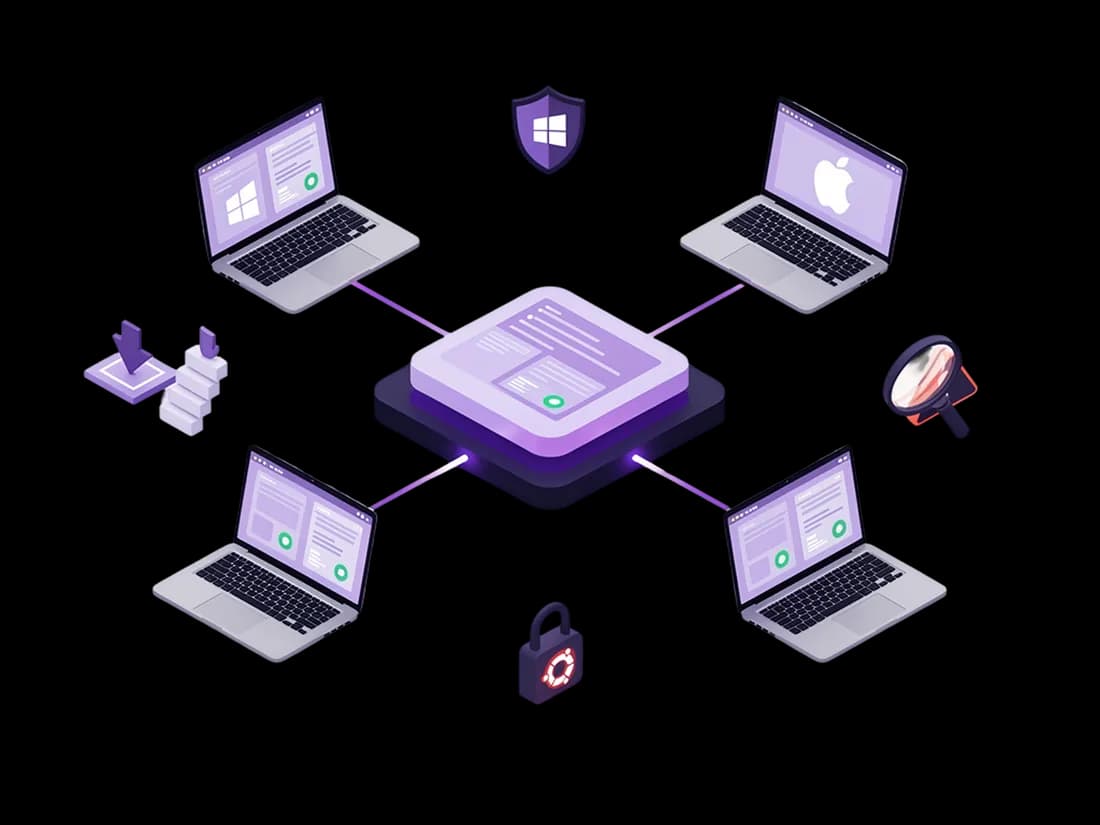
Operating system and application patching, delivered in stages.
Define a patch once and send it to the fleet: third-party installers, Windows Update and Ubuntu apt upgrades, or your own scripts. Every installer is checked against its SHA-256 hash before it runs. Deployments move through rings you define, promote themselves when a ring hits its success threshold, and halt on their own when failures pile up.
Learn more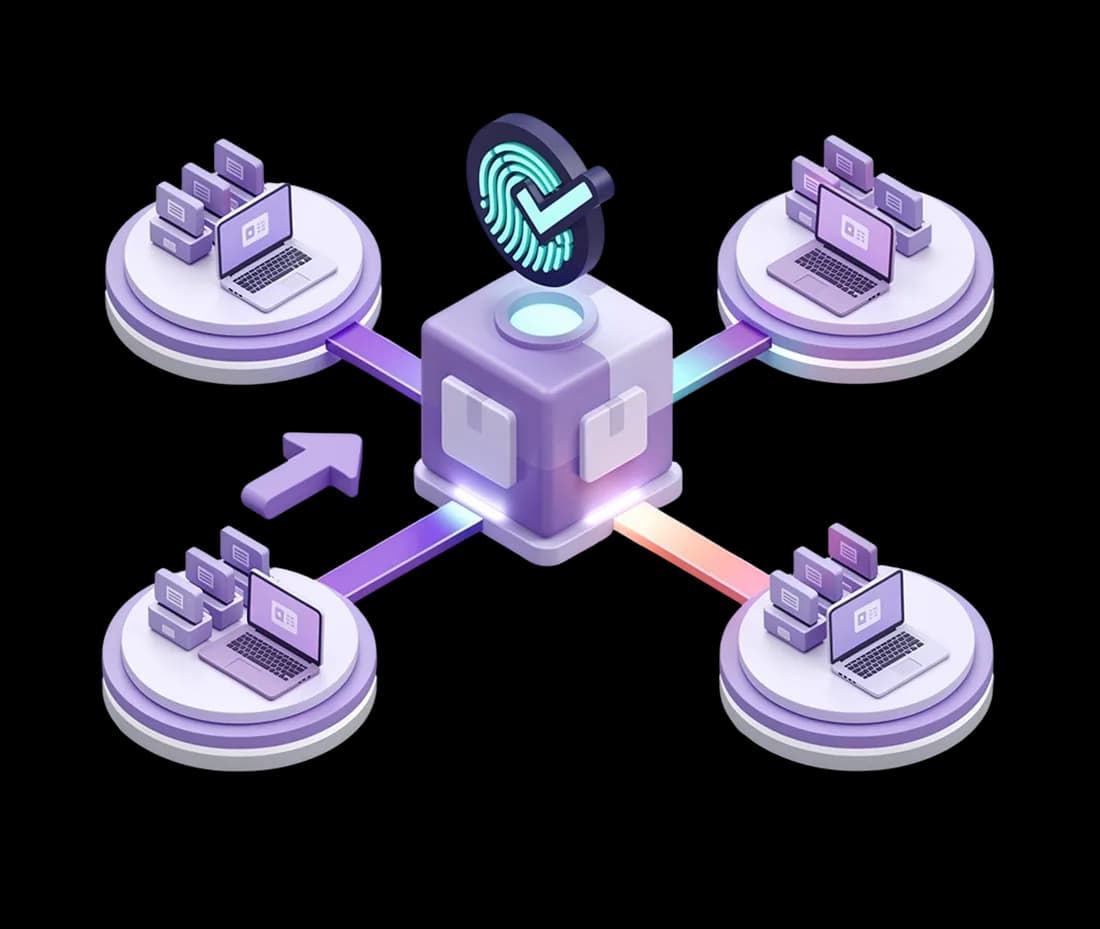
Security baselines across 30 categories, including the GPO controls.
113 ready-made policies covering passwords, screen lock, firewall, SSH, removable media, browser hardening, cloud-sync blocking, telemetry and disk-encryption checks. Run any of them in audit mode first to see what would change. When you switch to enforcement, the original values are kept, so any policy can be rolled back.
Learn more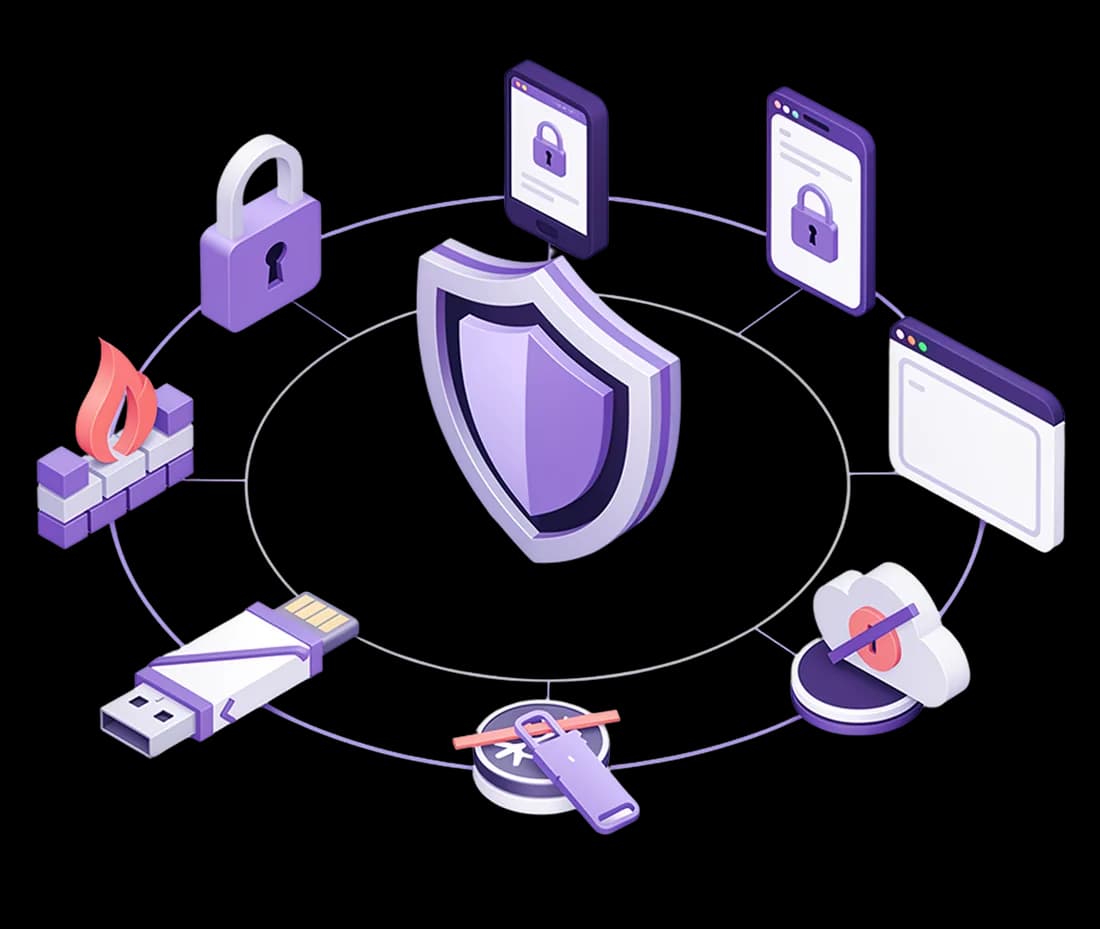
Two layers: remove what should not be installed, block what should not run.
Define your approved software, and anything outside it is uninstalled with a full removal history. Execution control goes further, blocking unapproved programs from running through Windows WDAC and Ubuntu fapolicyd, by hash and signature. It records what it would have blocked first, so nothing legitimate gets stopped on day one.
Learn more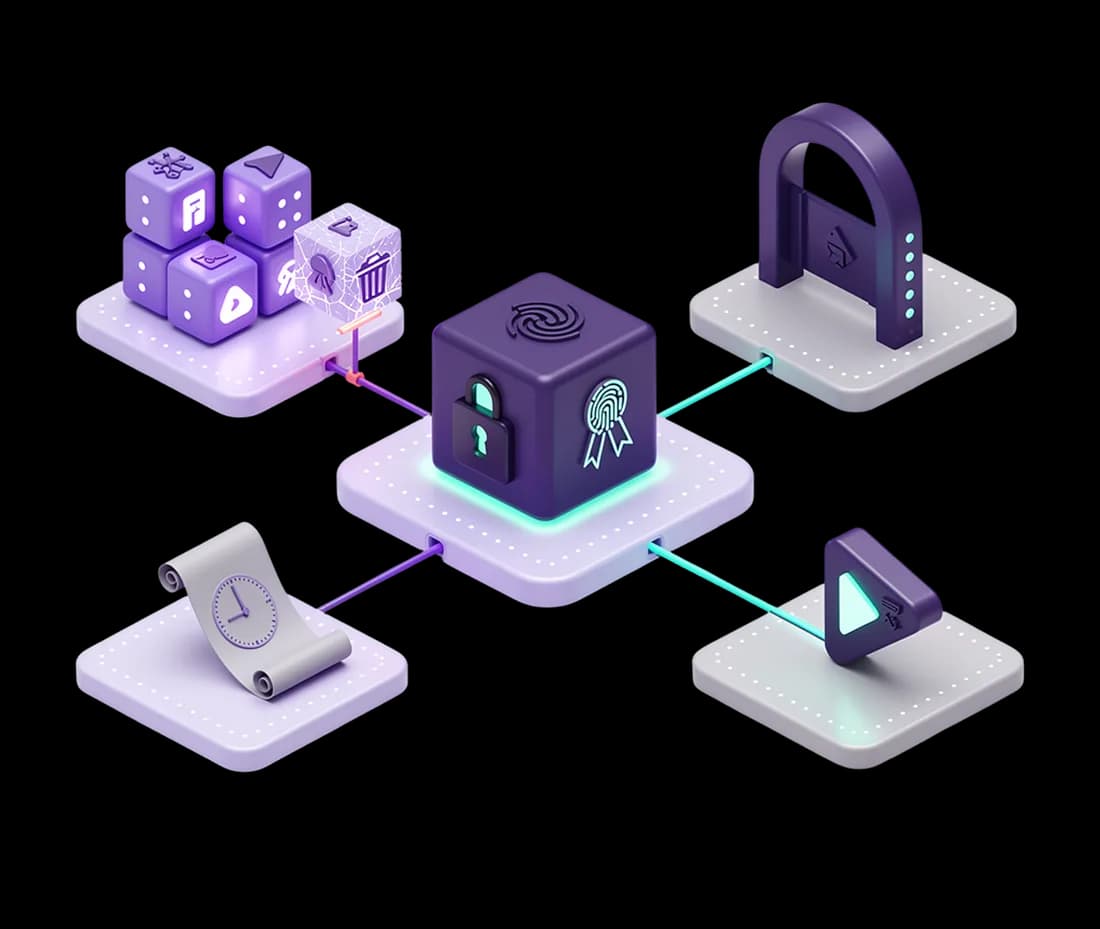
The CISA Known Exploited Vulnerabilities catalogue, matched to your devices daily.
Akku syncs the KEV catalogue every day and matches it against the software inventory on every device, so a global threat list becomes a list of your machines. Each match comes with a suggested fix, either a catalogue entry or an OS update. CVEs that do not apply can be muted with a recorded reason.
Learn more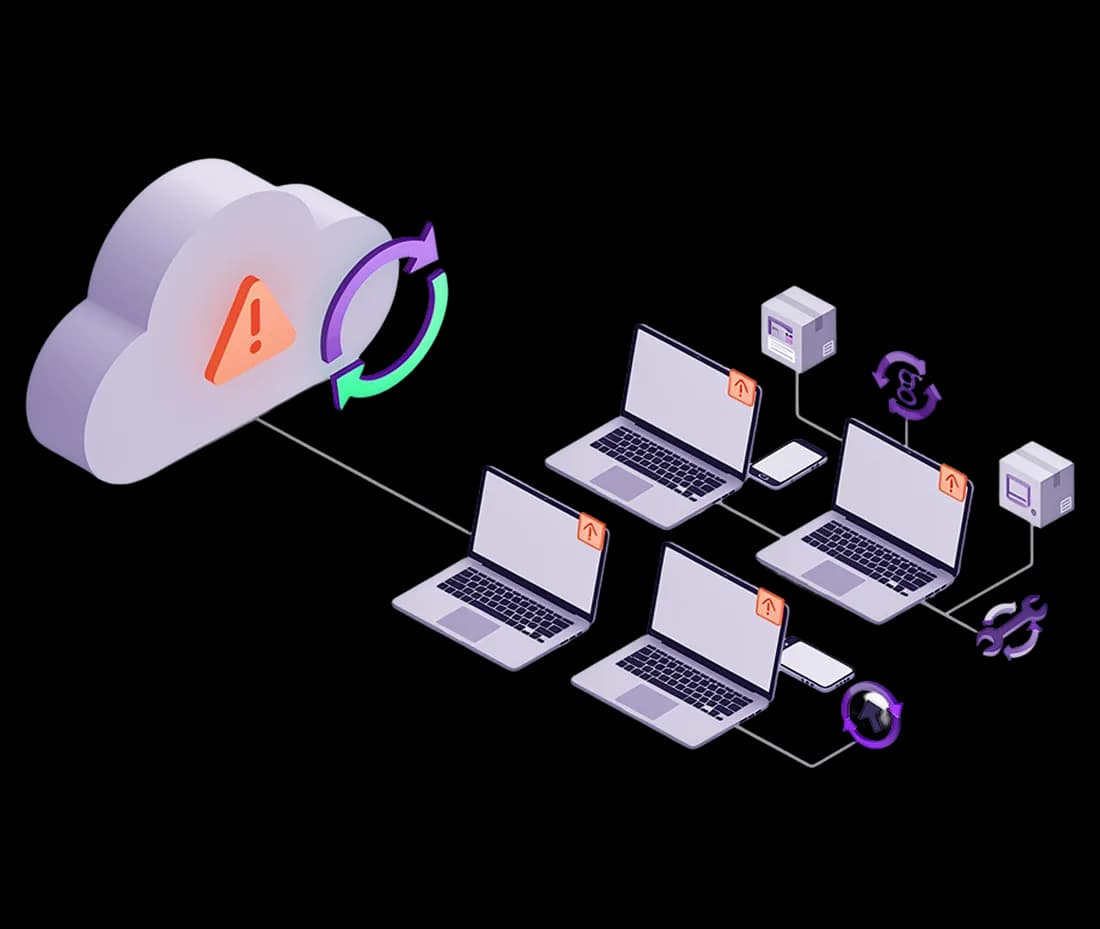
Remote control with consent, and a record of what happened.
Take live control of a Windows, macOS or Ubuntu machine with the user's on-screen consent, stepping up through re-authentication first. The session is recorded from start to finish. Web and SaaS sessions on a managed browser can be monitored and recorded too, with replay, tamper evidence, and the ability to end a session in progress.
Learn more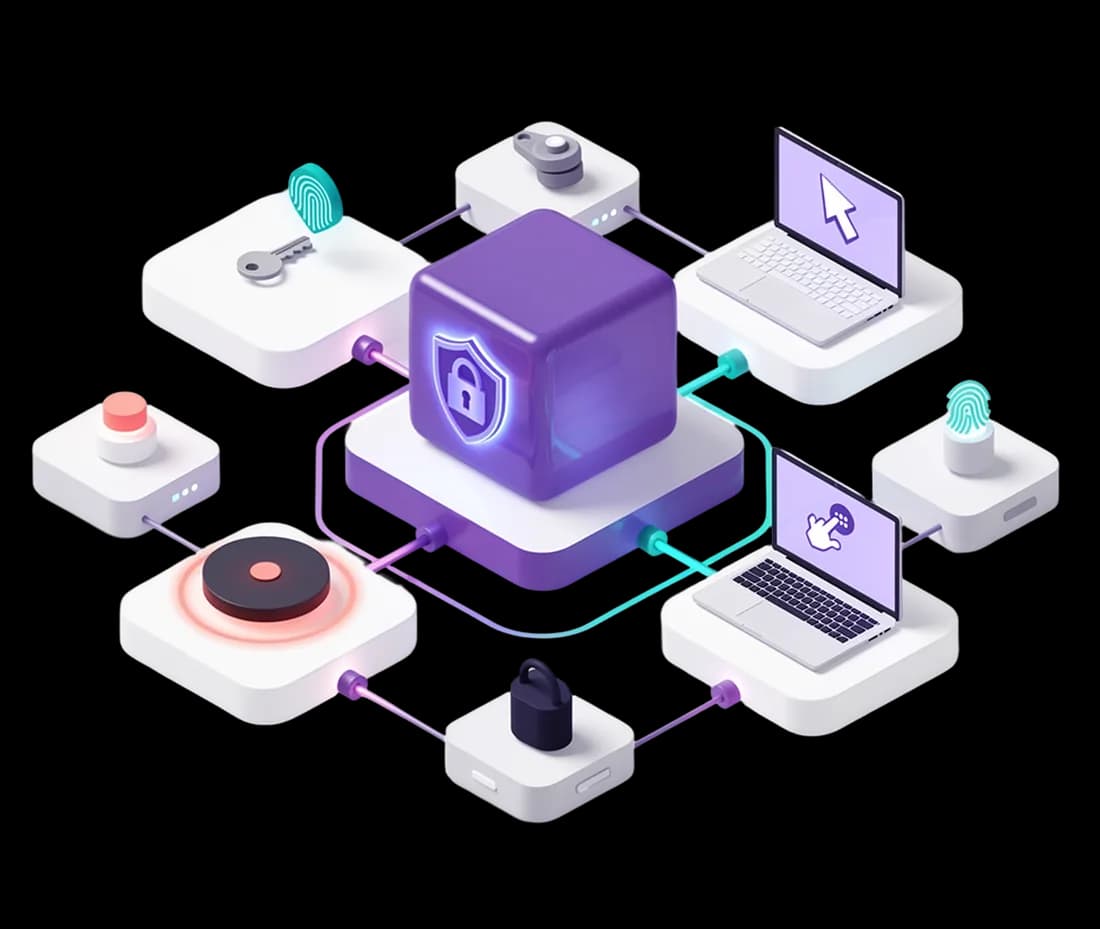
The agent reaches out to Akku rather than waiting to be reached, on its own certificate, so there are no inbound ports to open, no VPN to route through and no firewall exception on any machine you manage. And it cannot be uninstalled from the machine without a single-use token you issue, so the controls you set stay set.
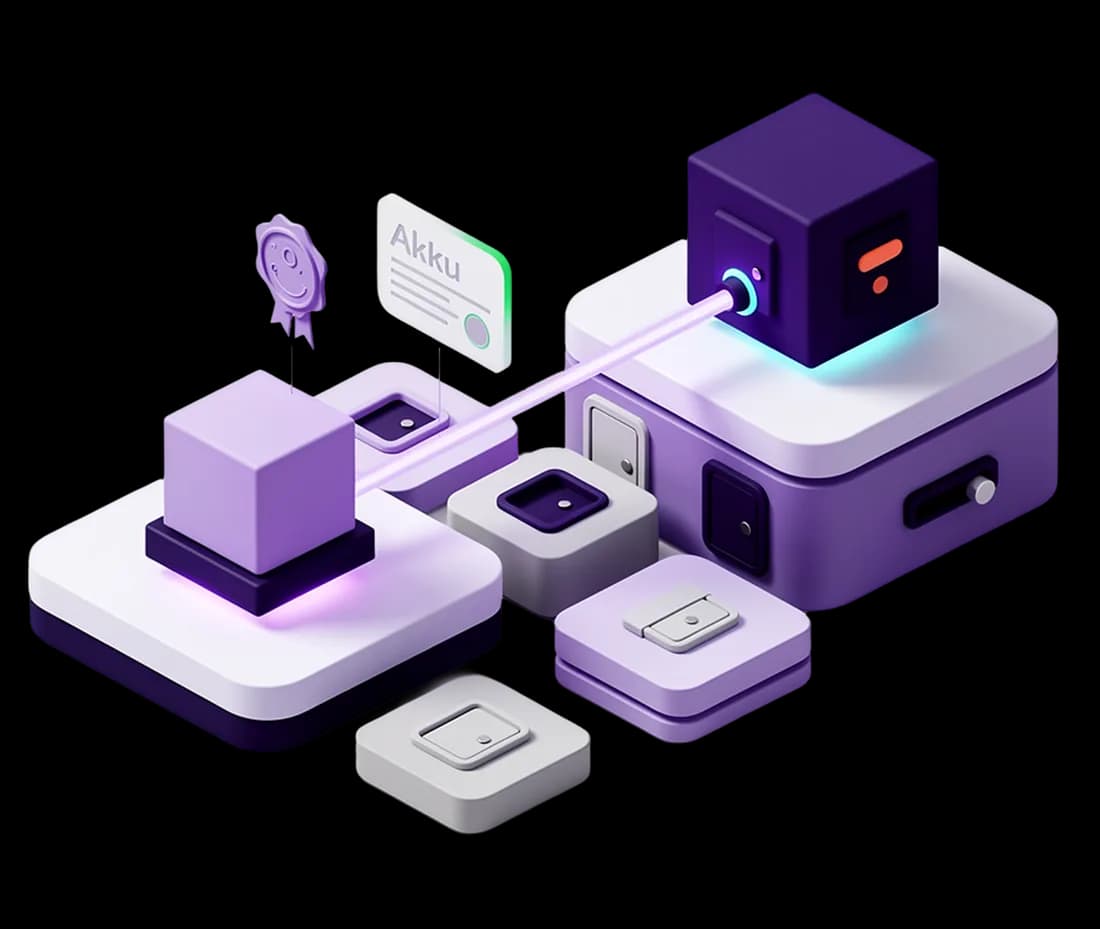
The agent you install for UEM already contains the data protection and privileged access modules. Turn either on when you get to it, licence it, and it starts working on machines that are already enrolled. No second rollout, no second vendor, no second agent competing with this one for the same kernel.