Sales: +91 9600 70 3224
- Support


Akku controls software on two levels. Anything outside your approved list is uninstalled. Anything unapproved that tries to execute is stopped by the operating system itself, and that enforcement switches on per machine only once Akku knows what your people actually run.
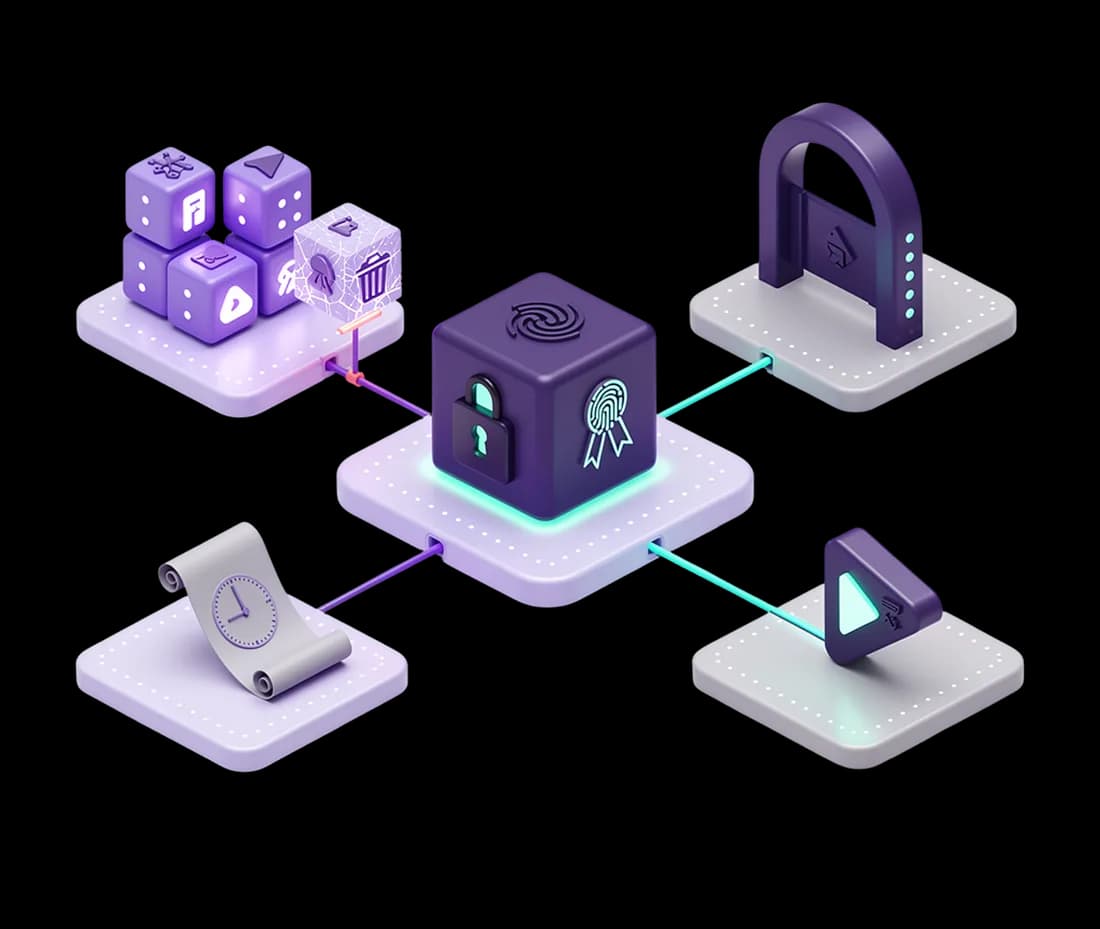
Define your approved software, either from a predefined library or by your own name and publisher rules. Anything outside it is uninstalled automatically, and every removal is recorded, so you can see what came off which machine and when.
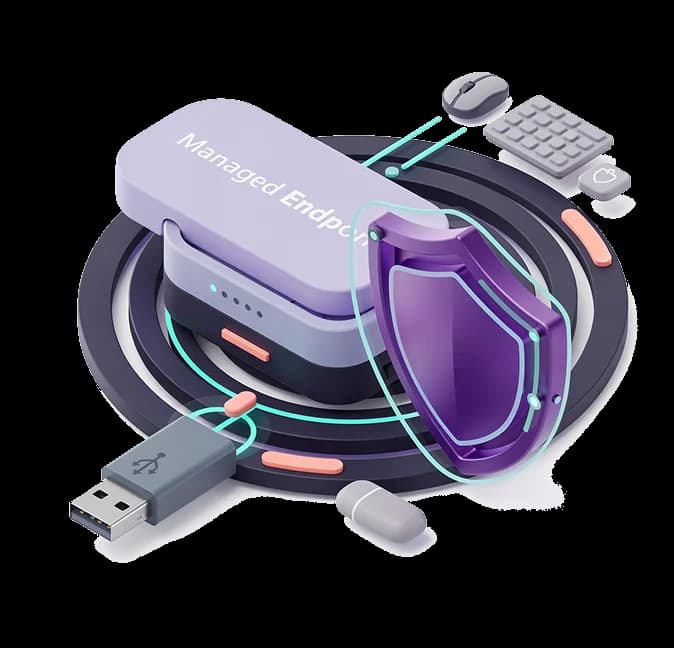
Execution control goes below the installer. Unapproved programs are blocked from executing at the operating system level, through Windows Defender Application Control and Ubuntu fapolicyd, matched by hash and by signature rather than by filename.

Turning execution control on without knowing what runs is how a business-critical application gets blocked on a Monday morning. Audit mode records what would have been blocked, so you can approve legitimate software in one click. Enforcement then activates per machine, and only after that machine has gone a clean stretch with nothing new appearing.