Sales: +91 9600 70 3224
- Support


500+ connectors, the standard protocols, desktop SSO, and credential replay for everything else.
Over 500 pre-built connectors and the standard federation protocols cover the SaaS applications most businesses run. The internal system built in 2011, the on-premises application finance depends on, and the vendor portal that has never heard of SAML are the ones that decide whether SSO reaches your whole estate. Credential replay brings them in too.
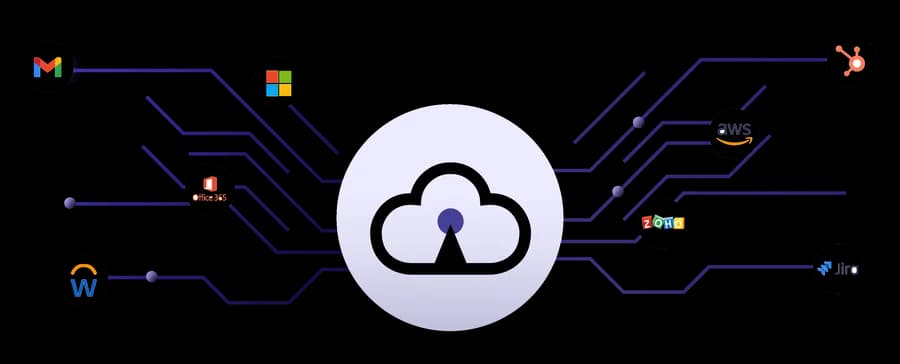
Single sign-on lets a person authenticate once and reach every application they are entitled to without signing in again. For the person it is one set of credentials and one authentication step. For the administrator it is one place where access is granted, conditioned and revoked, instead of an account in each application to remember.
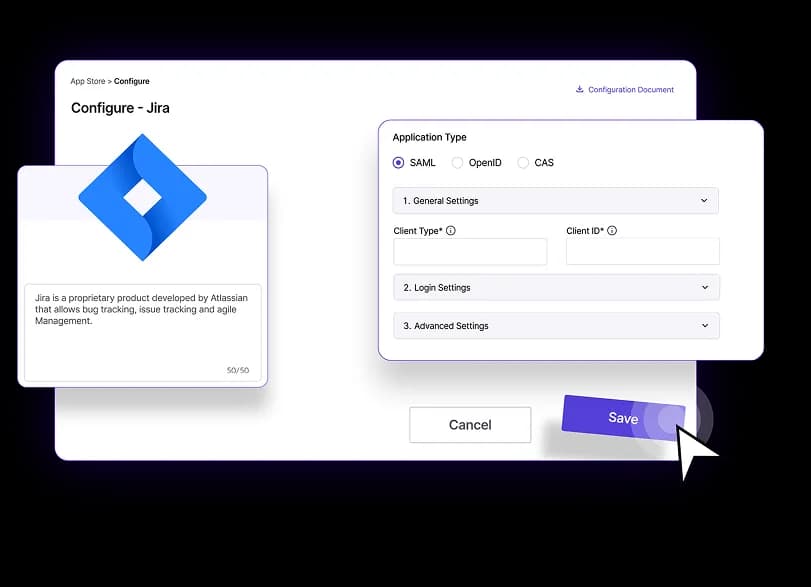
Over 500 pre-built connectors cover the SaaS applications most businesses run, so onboarding one is configuration rather than an integration project. Anything outside the catalogue connects over SAML or OpenID Connect, with OAuth and WS-Fed supported alongside them. Custom and internally developed applications are explicitly in scope: Akku is built to provide credentials to them.
Credential replay brings applications with no modern protocol support behind the same sign-in. Akku holds the credential and presents it to the application on the user's behalf, so the person signs in to Akku and arrives inside a system that was never designed to accept a federated identity. No change to the application, and no vendor to persuade.
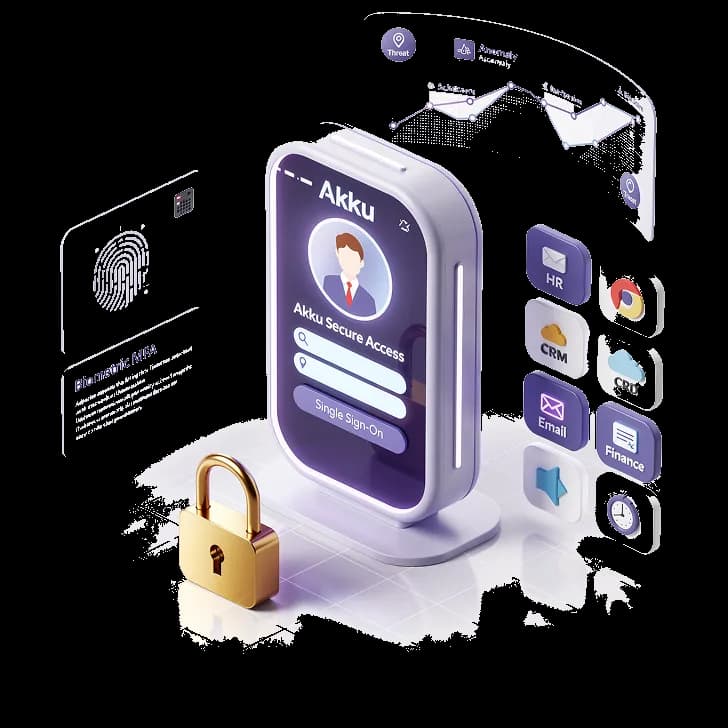
Desktop SSO extends single sign-on to domain-joined machines and desktop contexts, so signing in to the machine is the authentication rather than a separate step before the browser.
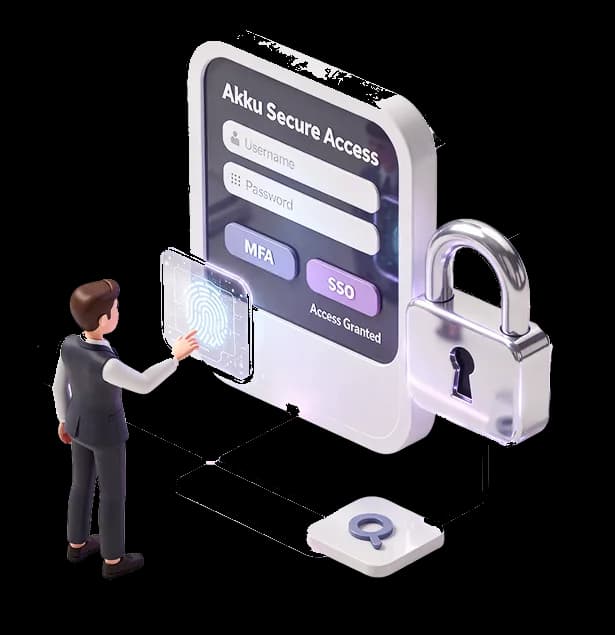
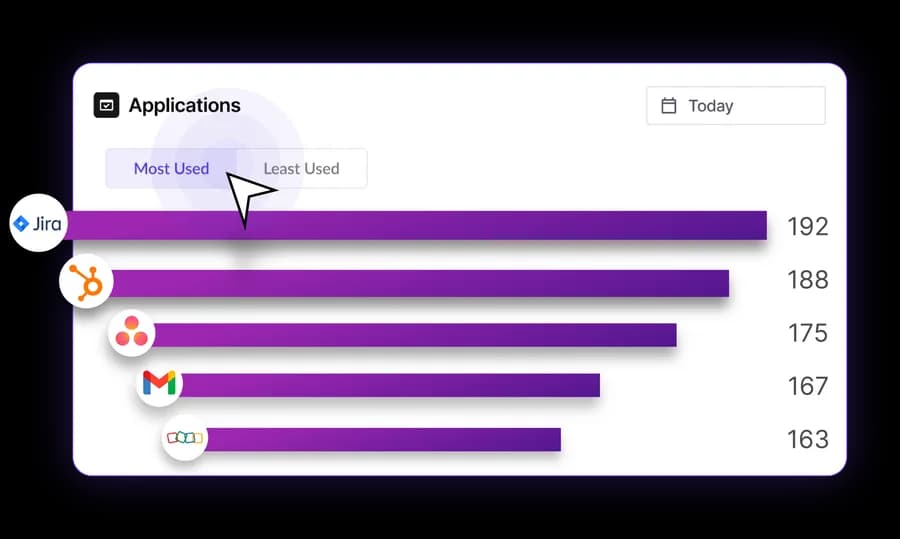
One dashboard of applications, showing only what that person is entitled to. Entitlements come from group and role membership, so what appears there changes when someone's role does.