Sales: +91 9600 70 3224
- Support


An isolated server-side browser, credentials injected where the user cannot reach them, and video of the whole session.
Traditional privileged access management stops at SSH, RDP and databases, which leaves the AWS console, the payment gateway, the CRM admin panel and every internal portal outside it. Akku runs those in a clean browser on its own gateway, signs the user in with a credential from the vault, and streams the session to their screen. They work normally. The password never reaches their device.
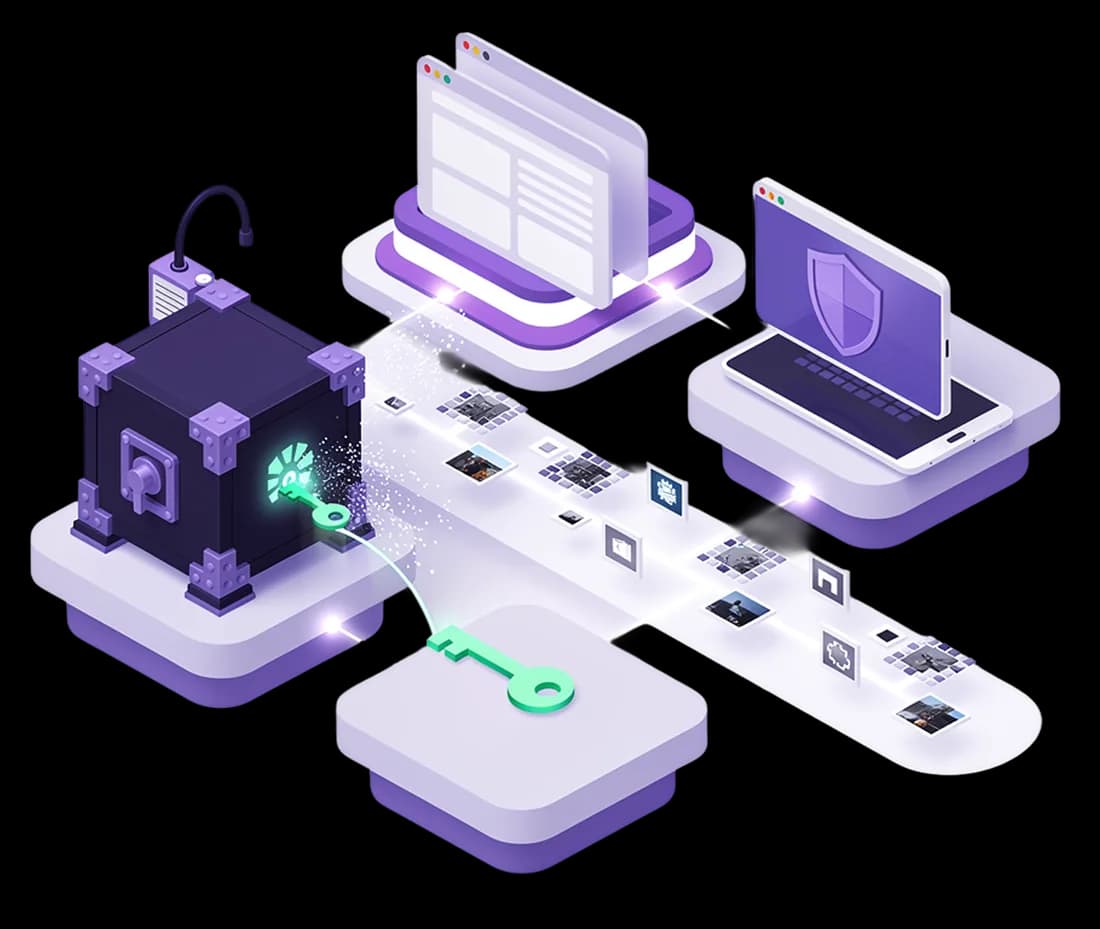
An administrator registers the application as an endpoint, attaches one or more credentials from the vault, and defines the login flow. A user requests just-in-time access. An approver grants it and picks which application account the user gets. Akku opens an ephemeral browser on the gateway, signs in with the injected credential, and streams the live session with full mouse and keyboard control. On disconnect the browser is destroyed and the recording is retained.
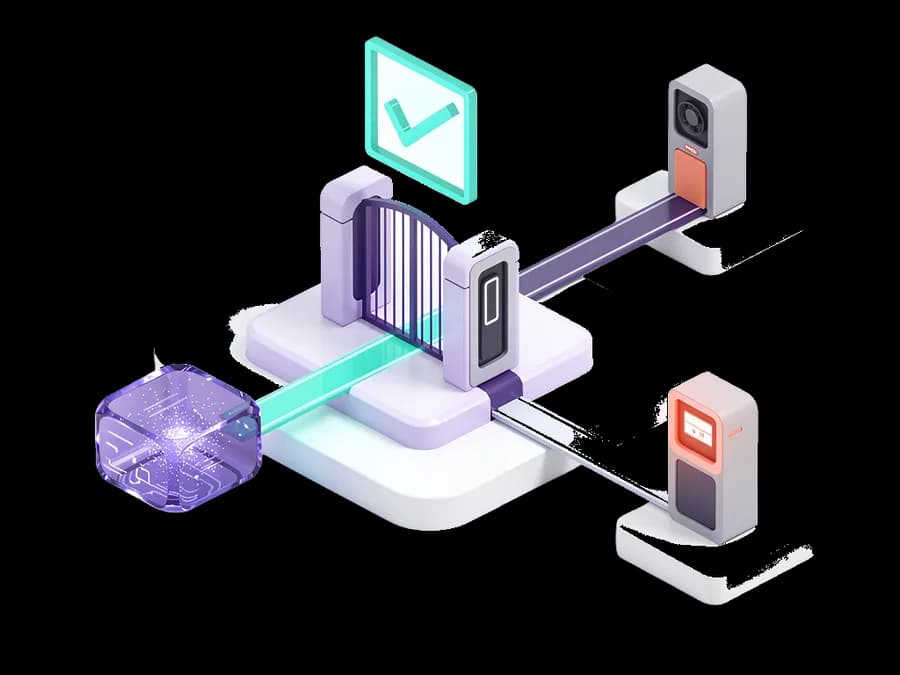
Attach admin, read-only and break-glass identities to the same endpoint and let the approver decide which one each request receives. Where there is one account it maps automatically; where there are several the choice is deliberate, and every mapping is written to the audit trail. A user cannot select a higher-privileged account for themselves.
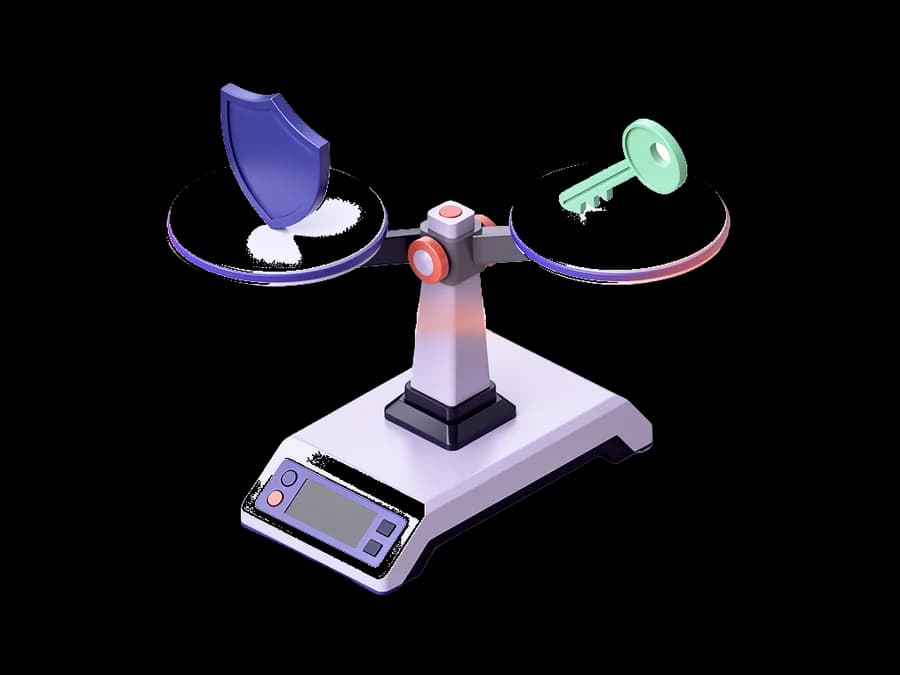
A visual step editor handles username-then-password, multi-step and passwordless patterns by pointing Akku at each field. For applications that send a one-time code by email or SMS, Akku fills the username and hands off to the user for the code. It never stores, sees or injects one-time codes.
Copying out to the local clipboard is blocked always, by architecture rather than by policy: there is no clipboard bridge to cross. Pasting in is off by default and can be enabled per endpoint with a size cap. Downloads are blocked in the browser engine, and blocked attempts are recorded in the session audit trail.
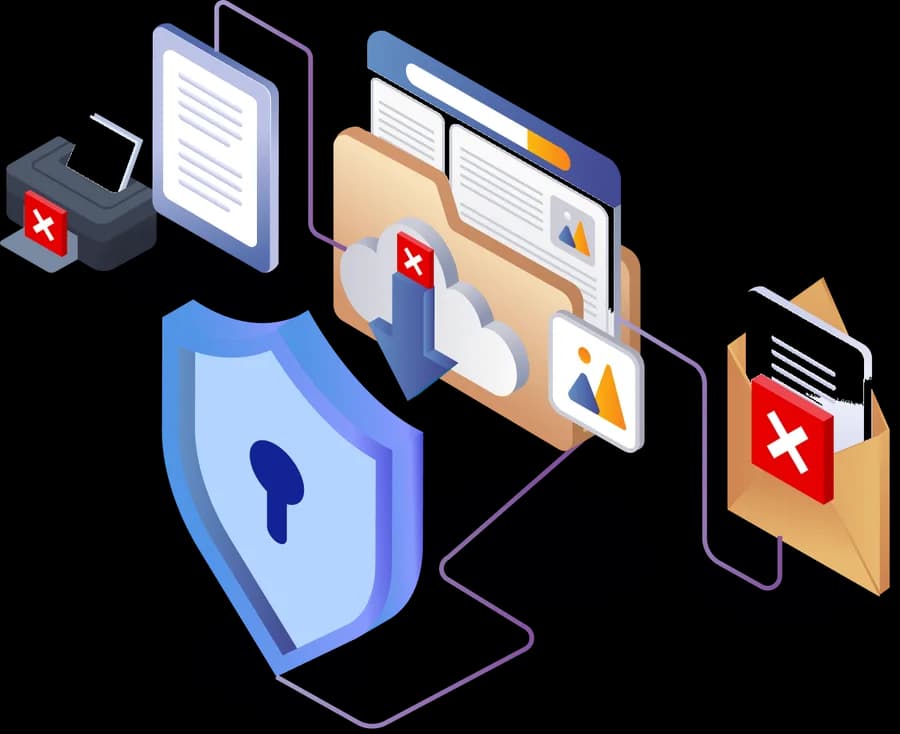
A server-side watermark burns the user's identity, the session ID and a live timestamp into every frame, in the live view and the recording, rendered on the worker so browser devtools cannot remove it. Screen-capture hardening blurs the view on PrintScreen and scrubs the local clipboard, blurs on focus loss, and disables right-click on the session canvas. These are deterrence and accountability controls rather than absolute prevention; an operating system capture tool or a phone camera cannot be blocked.
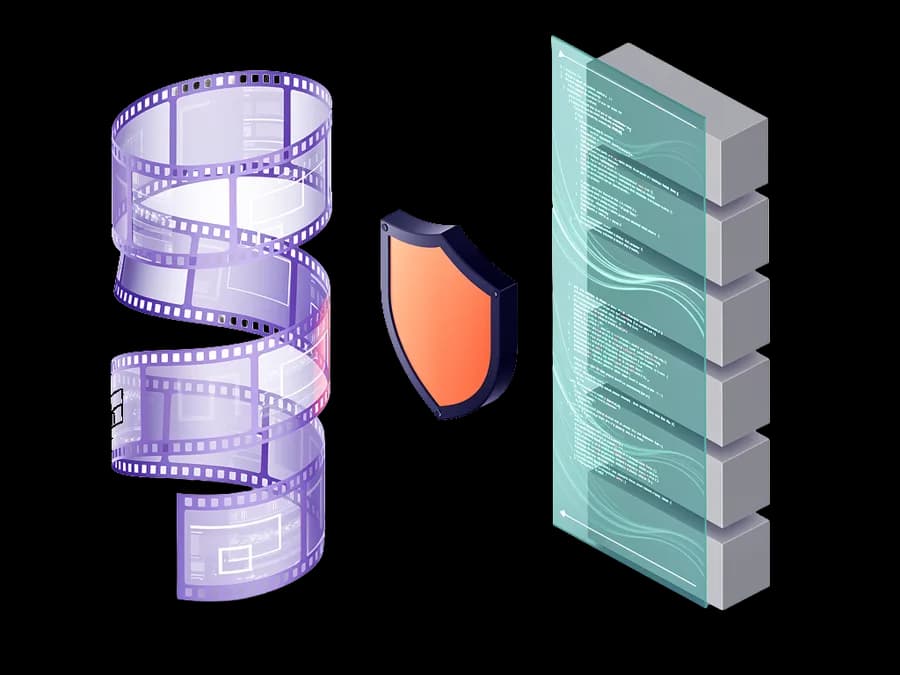
Every session is captured as video, with the credential-entry step kept out of the recording by design. Nothing is installed on the user's machine: no extension, no agent, no client.