Sales: +91 9600 70 3224
- Support


One agent on Windows, macOS and Linux, covering USB, clipboard, print and screenshot, on or off the network.
Once a file is on a laptop it can leave on a USB stick, through a printer, through the clipboard, or in a screenshot, and none of those touch your network on the way out. The endpoint is where they can be seen and the only place they can be stopped. Akku puts one agent there, on Windows, macOS and Linux, and keeps it enforcing whether or not the machine can reach anything.
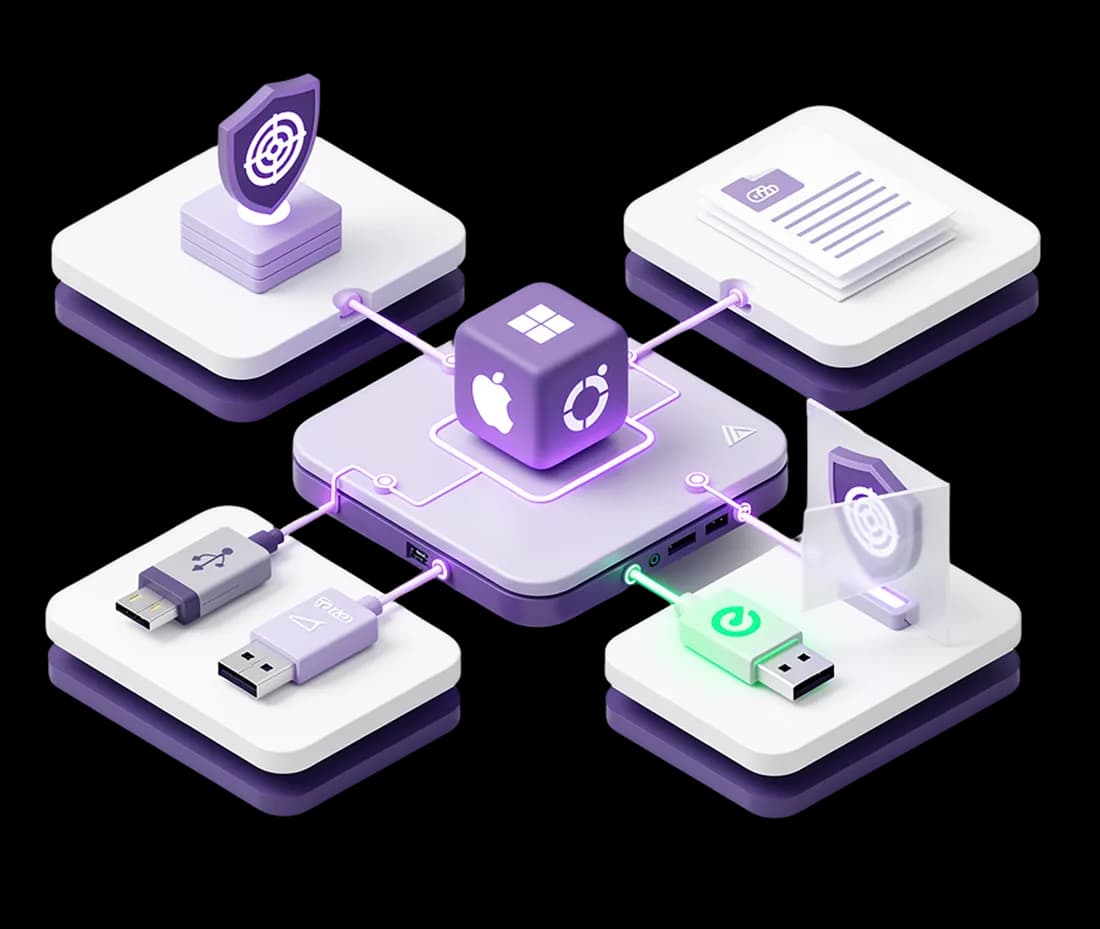
A single agent covers Windows, macOS and Linux from one configuration, so the policy you write is not three policies with different capabilities behind them. It scans files the moment they are created, modified or copied, which includes the moment they are written to a mounted USB device rather than after the copy completes. Because the same detection engine runs here as in the console, a record that would be caught leaving in an email is caught being copied to a stick.
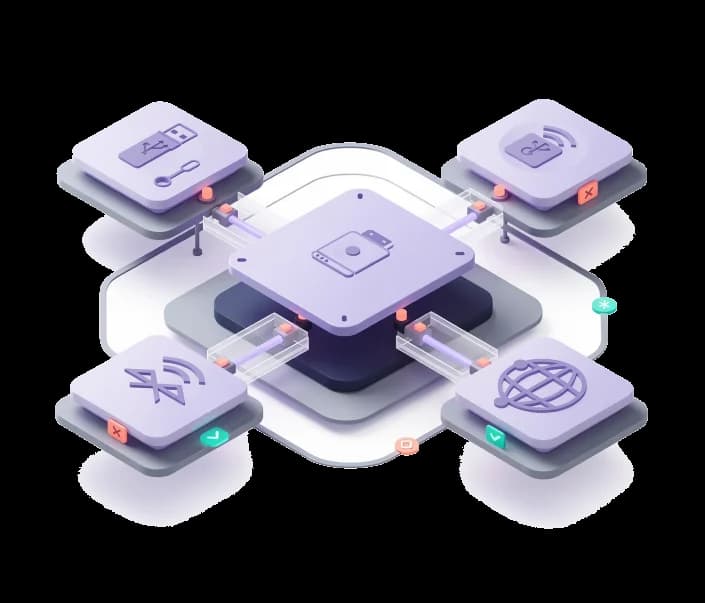
You can allow or deny removable devices outright, with a whitelist for the ones you have approved, which is the right answer where no USB device has any business being connected. Or you can leave them available and control what is permitted onto them, with the content of each file deciding rather than the identity of the device. The second is usually what teams settle on, because the problem is rarely the stick and always what someone puts on it.
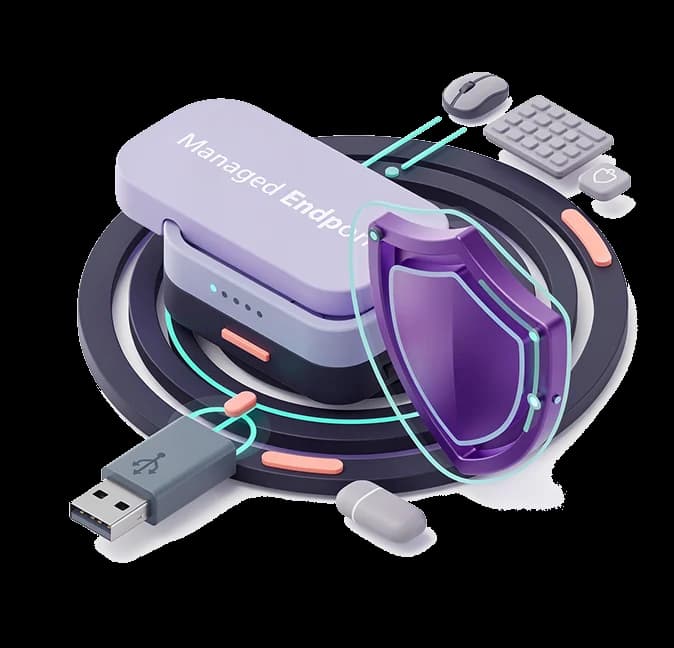
Sensitive content leaving through the clipboard, a print job or a screenshot is detected the same way as a file copy, and screenshots specifically can be deleted or quarantined rather than merely logged. When a policy fires, the action depends on where the machine is and what the policy says: monitor, block, quarantine, or encrypt. The person at the machine gets a desktop notification telling them what happened, which is the difference between a control and a mystery.
Some work legitimately needs a file that a policy would stop, and a blocked user with a deadline becomes a ticket, then an exception, then a habit of exceptions. Warn-and-justify prompts the person for a business reason before the action goes through, records what they wrote against the event, and allows it. You end up with the file movement, the reason, and the name, which is more than a block would have given you.
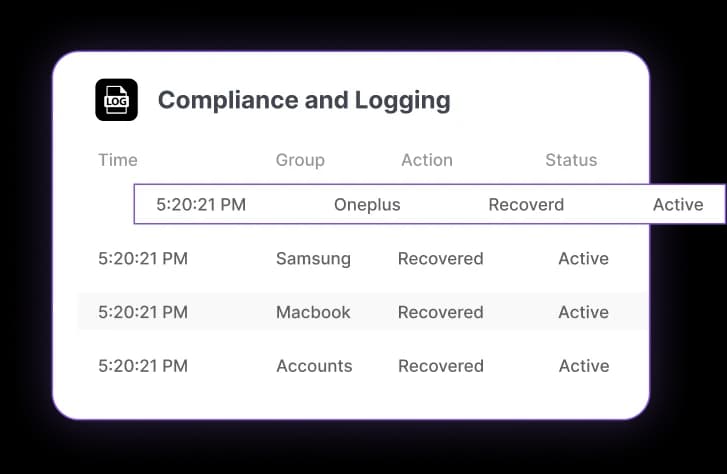
Policies keep applying when the machine has no connection, from a signature-verified bundle cached on the device rather than from a call to a service. Findings queue locally and sync when it reconnects. So a laptop on a plane, in a hotel, or on a home network is under the same rules as one at a desk, and the gap between the two is a delay in reporting rather than a hole in enforcement.