Sales: +91 9600 70 3224
- Support


Your own data indexed as fingerprints, 16 validated detectors, document fingerprinting, and OCR for what is not text.
Pattern matching cannot tell a real customer record from test data, which is how an alert queue fills with things nobody needs to look at and how a team learns to stop looking. Akku indexes your actual records and matches against those, so a policy fires on the real thing. Not all of it sits in a table, though: a card number in a chat message, a screenshot of a contract, a copy of a document you never wanted copied.
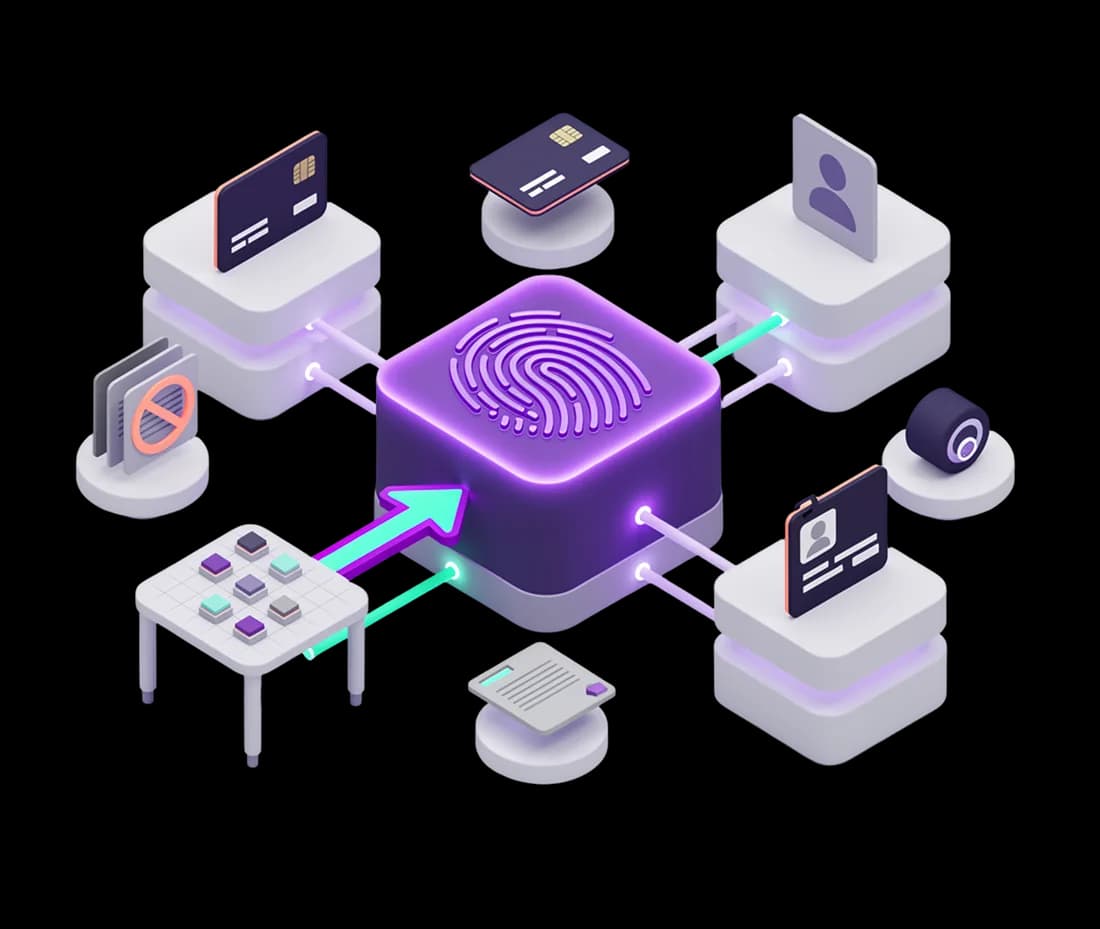
You point Akku at the structured records you need protected, customer tables, employee data, account and policy numbers, and it indexes them as irreversible fingerprints, so what protects your customer data is not another copy of it. Akku then recognises those exact records in any content it scans, whether that is a file on a laptop, an attachment on its way out, or a spreadsheet sitting in a cloud folder.

Not everything sensitive is in a table you can index. 16 built-in detectors cover card numbers, identity numbers, passports, medical records and cloud keys, and each one applies checksum validation rather than shape alone, so a sixteen-digit number that fails the check does not raise an alert. Where your business has something specific, an internal reference format, a customer identifier of your own design, you define a detector for it in the console. Custom detectors run alongside the built-in library rather than replacing it.
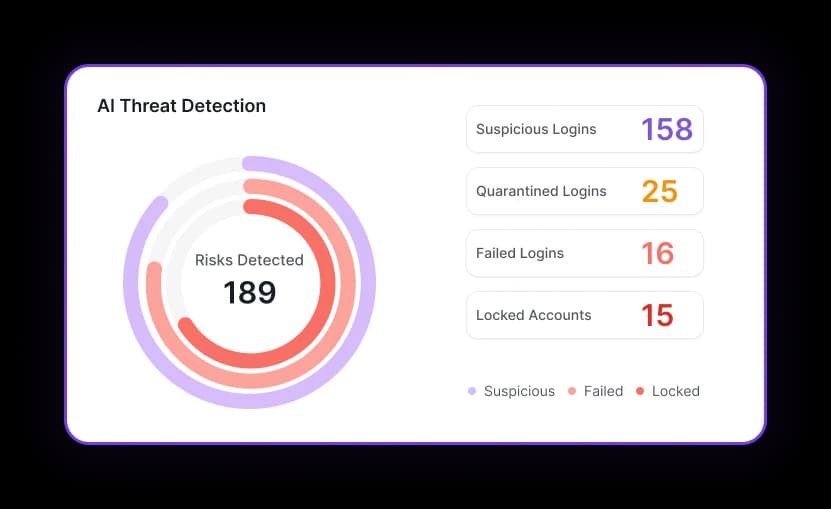
A file-server indexer takes a SHA-256 and size fingerprint of every protected source document and publishes the hashes, never the content, in the signed policy bundle that endpoints receive. Each endpoint then recognises a byte-identical copy of a protected file however it arrived on the machine, by SMB copy, browser download, command-line copy or USB, and applies the action you set for that source: monitor it, encrypt it into an .akku vault, or delete it. Because the hash travels rather than the file, the endpoint can recognise your most sensitive documents without ever holding one.

OCR extracts and scans text inside images, screenshots, scanned PDFs and raster drawings, which covers the case where a document has been photographed rather than forwarded. Deep inspection reads inside PDF, Word, Excel, PowerPoint, text, CSV and image files rather than judging them by extension. And every piece of content that is scanned is graded public, internal, confidential or restricted, so classification is a product of detection rather than a separate exercise someone has to run.

Discovery scans folders and all fixed drives on endpoints and file servers, inspecting file content rather than filenames. On Windows file servers it also audits permission and ownership changes, so you can see who was given access to a share as well as what is inside it. That matters because a share full of confidential documents and a share full of confidential documents that was opened to everyone last Tuesday are different problems.