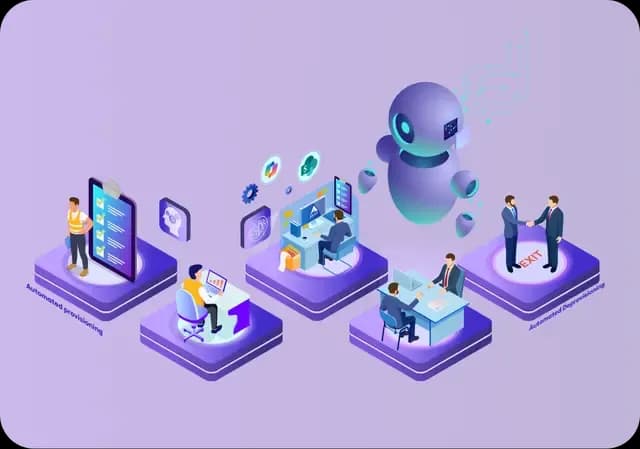
Powerful data privacy and enhanced productivity for a leading KPO service provider
One of India’s largest BPO/KPO organizations needed to ensure the security of the highly sensitive healthcare data under their management.
Reinforce security at authentication with Akku’s Adaptive Multi-Factor Authentication (AMFA). Choose from a range of authentication factors, and deploy strong, flexible authentication quickly to protect users and data and eliminate password weaknesses.
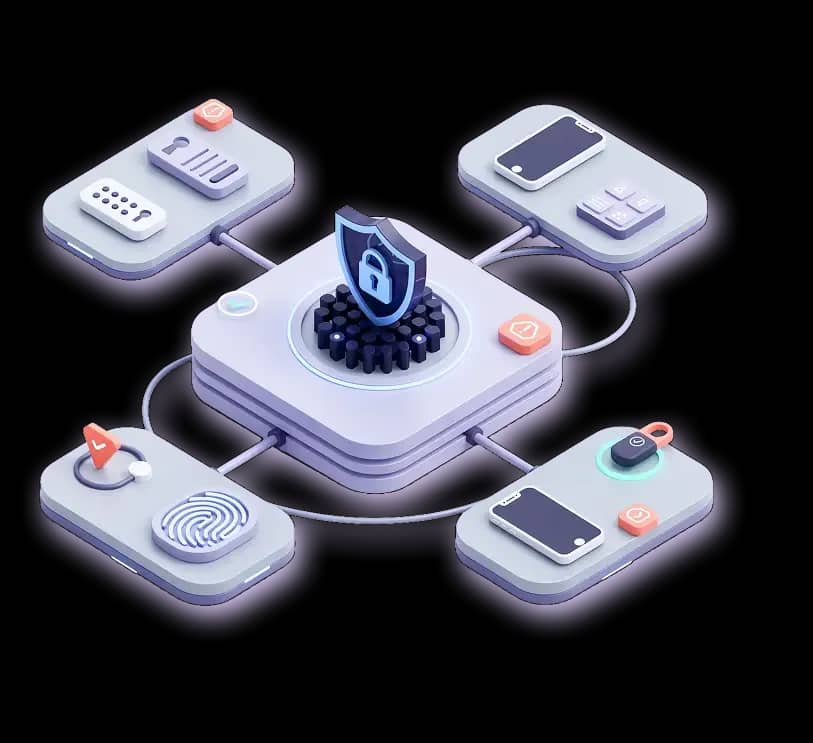
A secure authentication process verifies the identity of users before granting access to systems and data, protecting against unauthorized entry. This prevents data breaches, identity theft, and fraud, while enabling compliance with regulations.
Each method of authentication is referred to as a ‘factor’, and so when a user needs to verify their identity using two or more different factors, the process is called multi-factor authentication (MFA).
Trigger step-up authentication dynamically using Akku’s AI-powered threat and anomaly detection. When unusual behavior or elevated risk is identified, the system automatically enforces additional authentication factors before granting access. This risk-based approach strengthens security while minimizing user friction, ensuring extra verification is applied only when necessary and preserving a smooth, uninterrupted authentication experience.
Extend multi-factor authentication (MFA) protection to desktop logins and remote sessions, ensuring devices running Windows or macOS are secured against unauthorized access. By enforcing strong authentication at the device level, organizations reduce the risk of credential misuse, safeguard remote work environments, and maintain consistent security controls across endpoints, applications, and access scenarios.
Allow users to securely set, reset, and manage their passwords without requiring IT intervention. At the same time, provide guardrails with centralized password strength policies that automatically apply at every stage. This ensures that consistent security standards are maintained across all password-related actions, even while reducing helpdesk workload and improving user experience
Implement and enforce strong password policies based on customizable, defined criteria for password length, complexity, and expiry. When combined with multi-factor authentication (MFA), these controls provide comprehensive authentication security. This layered approach - strong passwords plus multi-factor authentication - reduces the risk of credential-based attacks, ensures compliance with security standards, and strengthens overall access protection across applications and systems.