
Powerful data privacy and enhanced productivity for a leading KPO service provider
One of India’s largest BPO/KPO organizations needed to ensure the security of the highly sensitive healthcare data under their management.
Enforce consistent security standards across diverse devices and user groups through centralized policy controls. Streamline device onboarding while maintaining granular access restrictions tailored to organizational structure and compliance requirements.
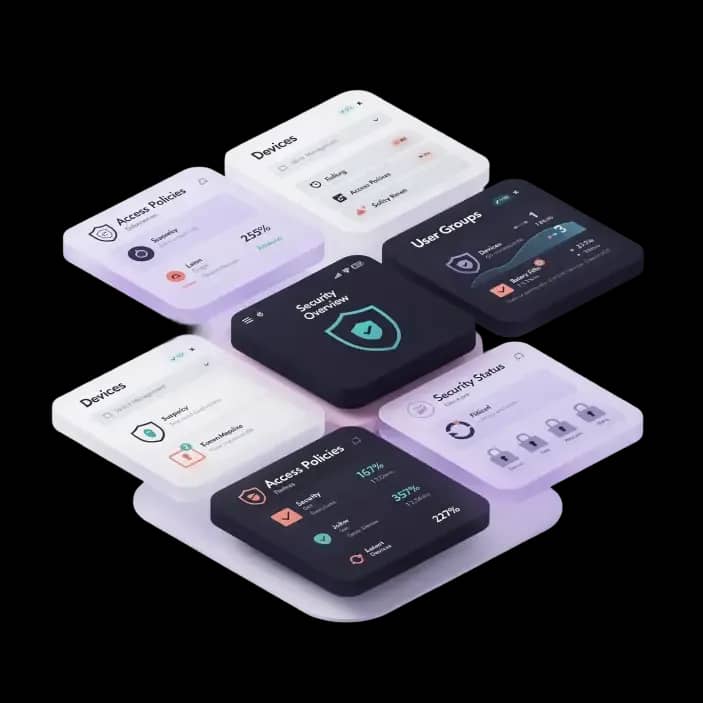
Enforcing policies across your organization’s devices involves centralizing IT administrative control over device onboarding, access permissions, and security features across platforms, ensuring only compliant devices gain corporate access while enforcing organization-specific policies through automated group-based controls.
Simplify first-time device setup and onboarding for end users with minimal IT intervention. Automatically apply policies during the automated enrollment process. Require admin approval before connecting new devices to the corporate environment, preventing unauthorized access. Restrict users from accessing work data or email through mobile browsers or unauthorized apps. Enforce MDM enrollment before access.

Enforce strong password and timeout policies for enhanced device security. Disable Touch ID/Face ID and configure fingerprint timeout settings. Balance security with user convenience through configurable timeout periods.

Prevent transfer of data via USB OTG to unauthorized external storage. Restrict file transfers through SD cards, USB, or Bluetooth to prevent data exfiltration. Block file sharing over Bluetooth and Samsung Quick Share to protect sensitive files. Block Near Field Communication (NFC) to prevent unauthorized data transfer..

Disable screenshots and screen recordings within the work profile to prevent data exposure through captured images. Disable or restrict camera usage within the work container to maintain confidentiality. Disable any form of call recording on managed devices..

Prevent users from adding, removing, or modifying Apple IDs, Mail, Contacts, or Calendar accounts. Disable "Erase All Content and Settings" option in the Reset menu to avoid unauthorized factory resets. Prevent modification of file sharing settings in System Preferences.

Force Wi-Fi to remain active and restrict connections to specific corporate networks. Prevent modification of Bluetooth settings or pairing with unauthorized devices.

Apply specific MDM policies based on Organizational Units (OUs) in Google Workspace. Enable granular policy enforcement for different user groups..

Allow access only to approved URLs through managed browser settings. Disable or restrict Safari browser access. Prevent users from deleting browsing history. Disable Safari's private browsing mode to ensure visibility and control.